

Lýsing
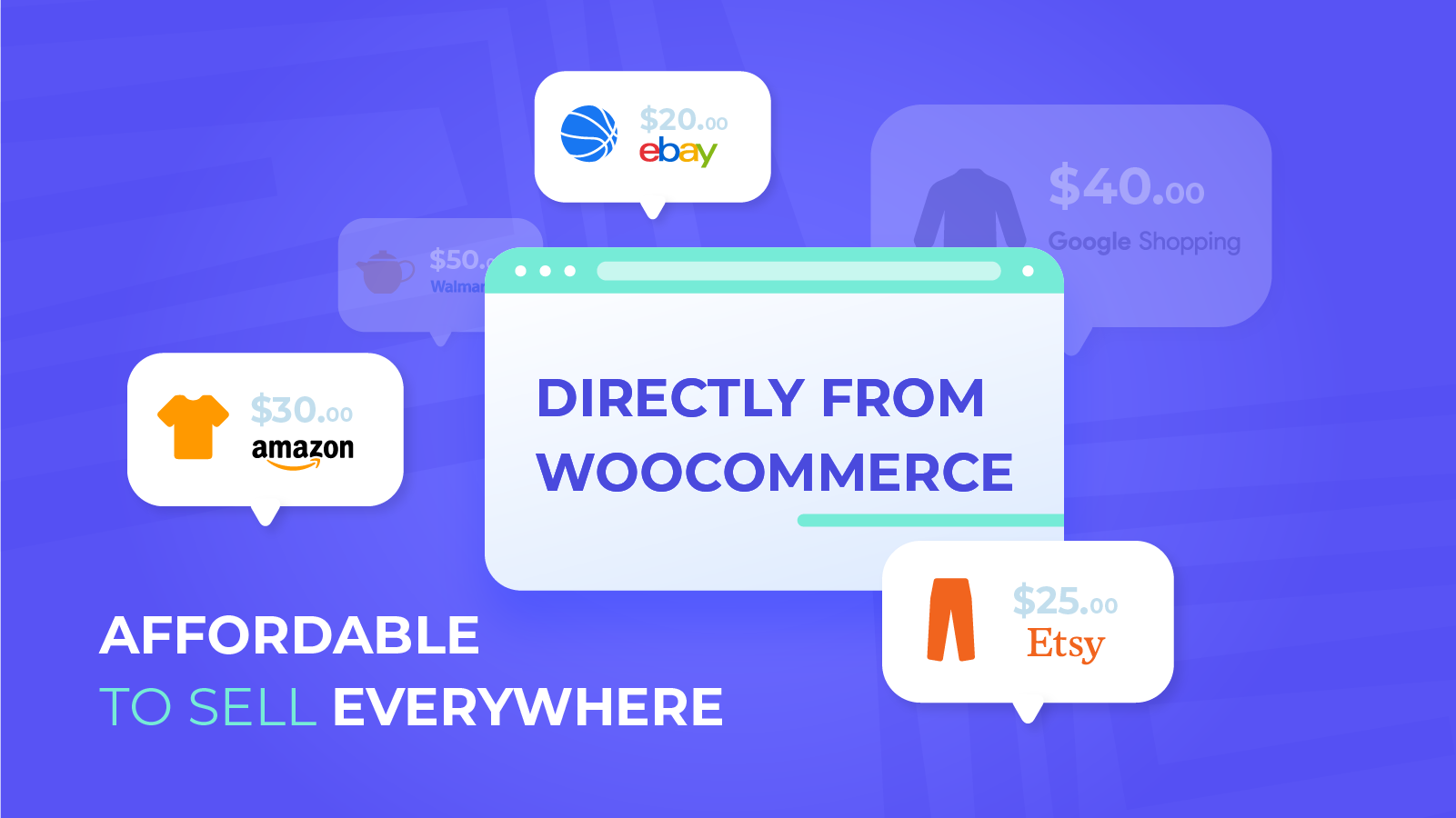
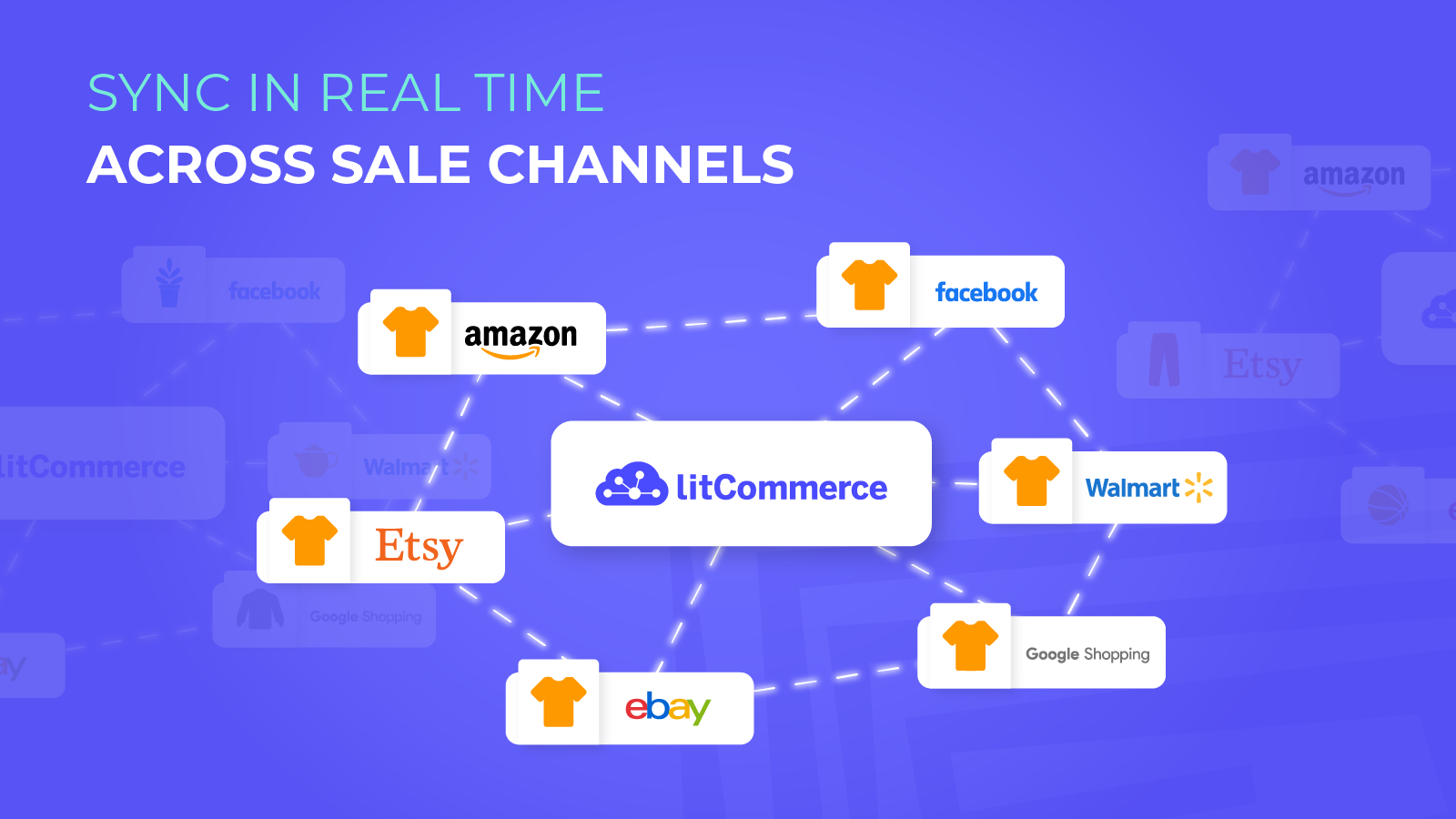
You can simply sell on TikTok Shop, Etsy, eBay, Amazon, Walmart and other channels with LitCommerce, a multichannel selling solution for WooCommerce. The most popular eCommerce platforms and Marketplaces may be easily and affordably integrated with WooCommerce by using this software. All you need to do to boost sales is maintain utilizing your WooCommerce site and add LitCommerce as a launch-ready technology!
Multichannel supported: Facebook Shop, Google Shopping, Etsy, Amazon, eBay, Walmart (US and CA), Faire, Wish, OnBuy, Reverb, TikTok Shop, Bonanza, Shopee, Shein, Temu.
You can list your items everywhere with LitCommerce:
– Add WooCommerce items to TikTok Shop
– Add WooCommerce items to Amazon
– Add WooCommerce items to eBay
– Add WooCommerce items to Etsy
– Add WooCommerce items to Walmart
and more!
LitCommerce also makes it possible for WooCommerce to link with other eCommerce giants like Shopify, Wix, BigCommerce, Squarespace etc.
Features
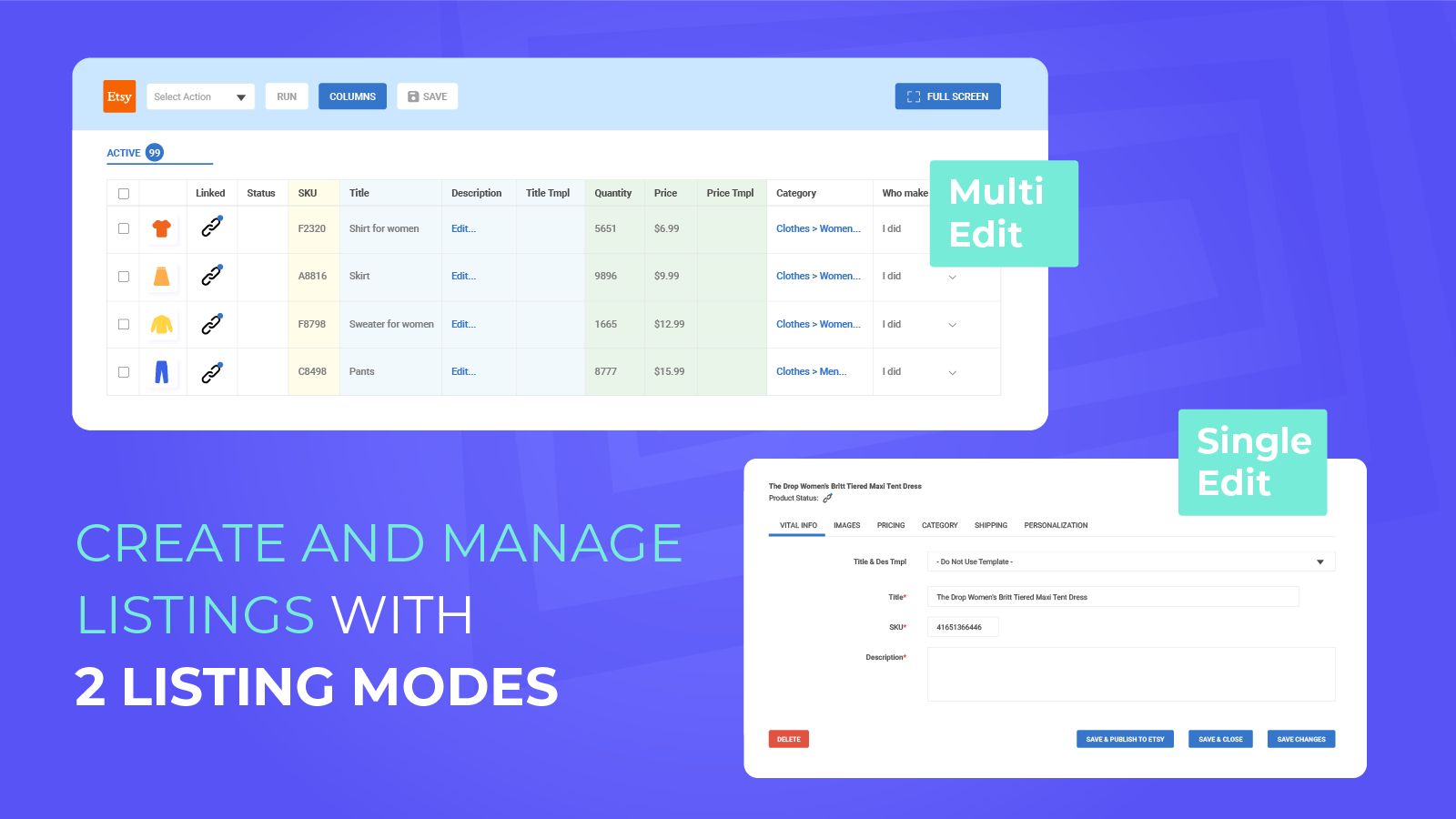
1. List and edit multiple listings
LitCommerce offers single-listing and multi-listing to manage all listings from WooCommerce to Marketplaces and edit listings more easily.
– Effortlessly list WooCommerce products in bulk on marketplaces.
– Access to mass editable Templates & Recipes and a spreadsheet-style user interface.
– By matching SKUs, link marketplace listings to WooCommerce products to prevent duplication.
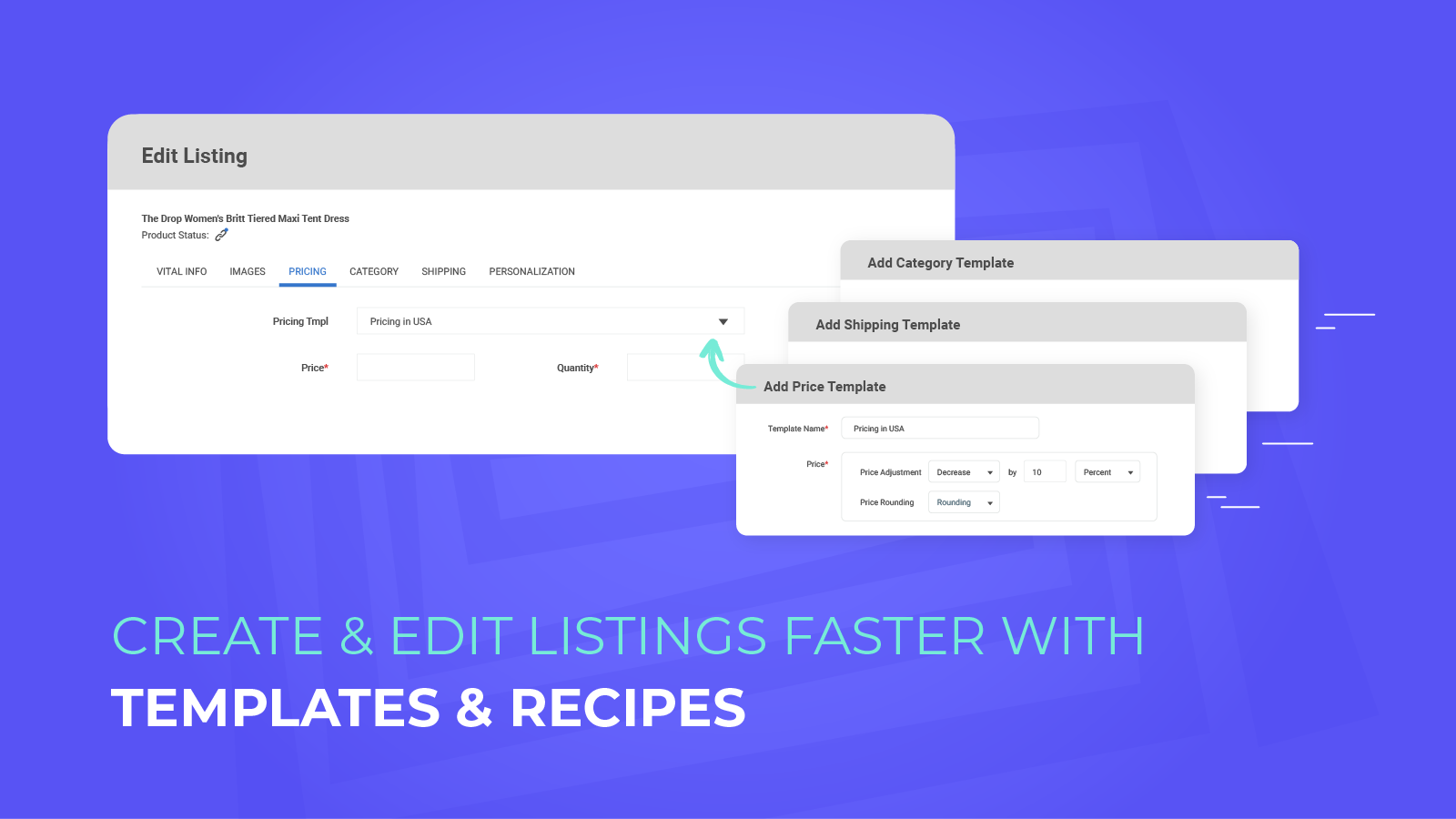
2. Templates and Recipes
Utilize Templates and Recipes to quickly create your listing.
– Utilize Templates, which are sets of attributes and settings for listings, to quickly generate or modify your product listings. When a Template is modified, all listings to which it was applied are also updated.
– A Recipe is a set of templates for a particular channel for saving more of your time.
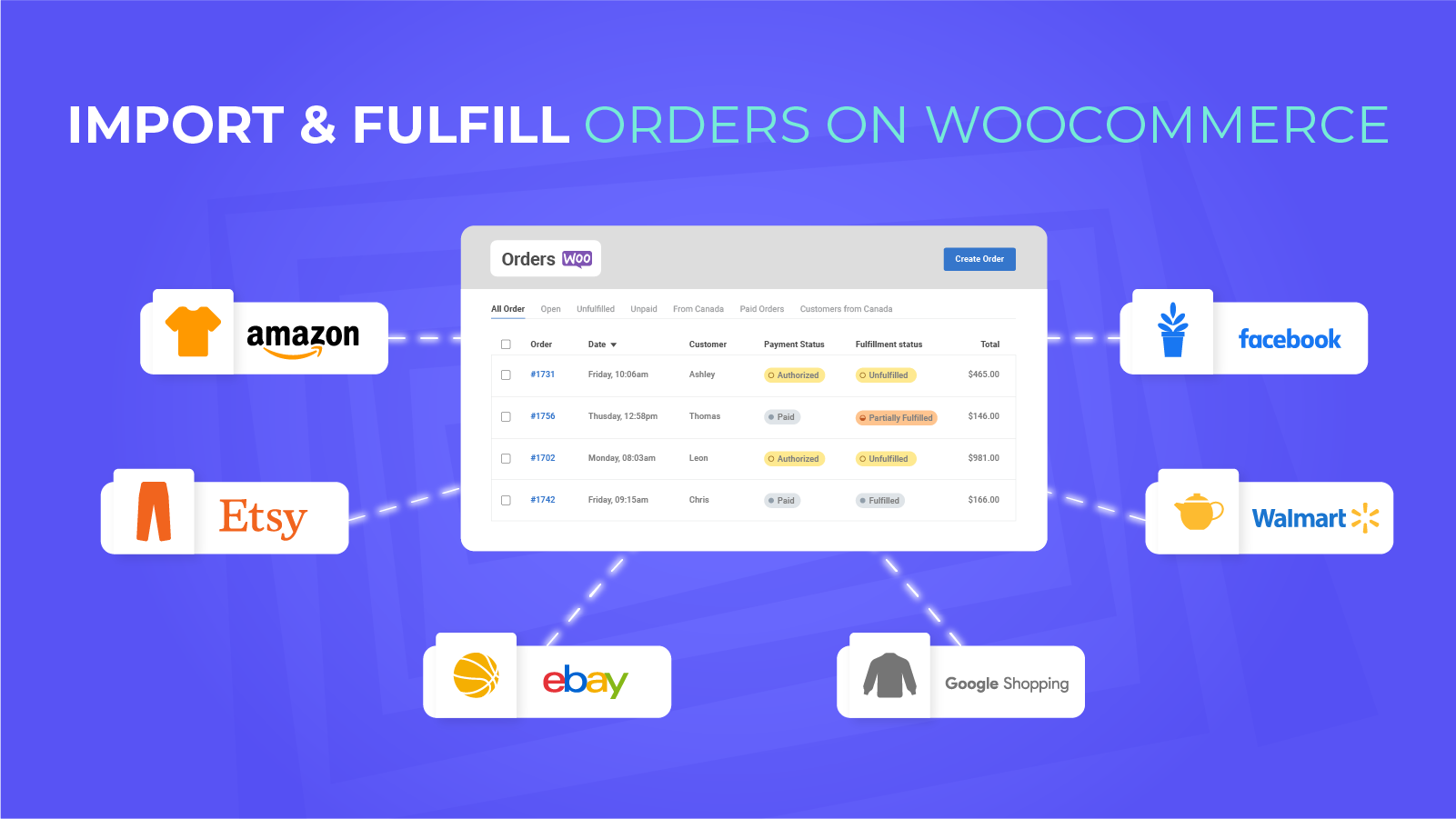
3. Import orders from Marketplace and fulfill them from your WooCommerce store
By continuously updating inventory counts after each transaction, LitCommerce prevents overselling and repetitive tasks.
– Import your Marketplace orders and manage them in your WooCommerce store.
– Update with tracking information for shipments across channels.
4. Use LitCommerce LiveSync to sync in real-time.
– Automatically sync in WooCommerce, and LitCommerce will update itself immediately on all sale channels.
– Create an instantaneous synchronization between your WooCommerce site and your sales channels for product listings, orders, pricing, and inventory.
WooCommerce integration in a few clicks
Step 1: To get started, you just need to simply download this plugin, install and enable it on your WordPress admin page. The plugin will automatically:
– Check if you have the WooCommerce plugin installed on your page and allow you to reconnect if already installed.
– Create a LitCommerce administrator user for seamless integration.
– Generate the correct API keys.
– Send the relevant data to LitCommerce to help sync your important e-store attributes.
Step 2: Integrate WooCommerce with your online sale channel(s)
Choose WooCommerce as your Main Store, and then connect one of your sale channels such as Etsy, Amazon, eBay, etc. The connection step is simple, intuitive and easy to follow.
Step 3: List WooCommerce products
Select products from your catalog to create draft listings before editing and publishing to sale channels.
Step 4: Sync price & inventory
Turn on real-time sync to update product attributes, price, quantity on your sale channels instantly.
Step 5: Import & fulfill your orders
All orders placed through sale channels are immediately received by WooCommerce for you to fulfill.
Skjámyndir

Uppsetning
- Upload the
litcommercefolder to your/wp-content/plugins/directory or alternatively upload the litcommerce.zip file via the plugin page of WordPress by clicking ‘Add New’ and selecting the zip from your computer. - Activate the litcommerce WordPress plugin through the ‘Plugins’ menu in WordPress.
- Now that the plugin is activated, you will see LitCommerce as an option in your WordPress sidebar. Select „LitCommerce“ to go to the connection page and click „Connect to LitCommerce“
Umsagnir


Þátttakendur & höfundar
“LitCommerce: Multi-channel Selling Tool For WooCommerce” er opinn hugbúnaður. Eftirfarandi aðilar hafa lagt sitt af mörkum við smíði þessarar viðbótar.
Höfundar

Translate “LitCommerce: Multi-channel Selling Tool For WooCommerce” into your language.
Interested in development?
Browse the code, check out the SVN repository, or subscribe to the development log by RSS.