

Lýsing
Gridify Plus is a free WordPress gallery plugin. It builds responsive photo galleries, image galleries, video galleries and albums, and adds a post grid and a WooCommerce product grid for Elementor. You can place a gallery with a block, a shortcode or an Elementor widget.
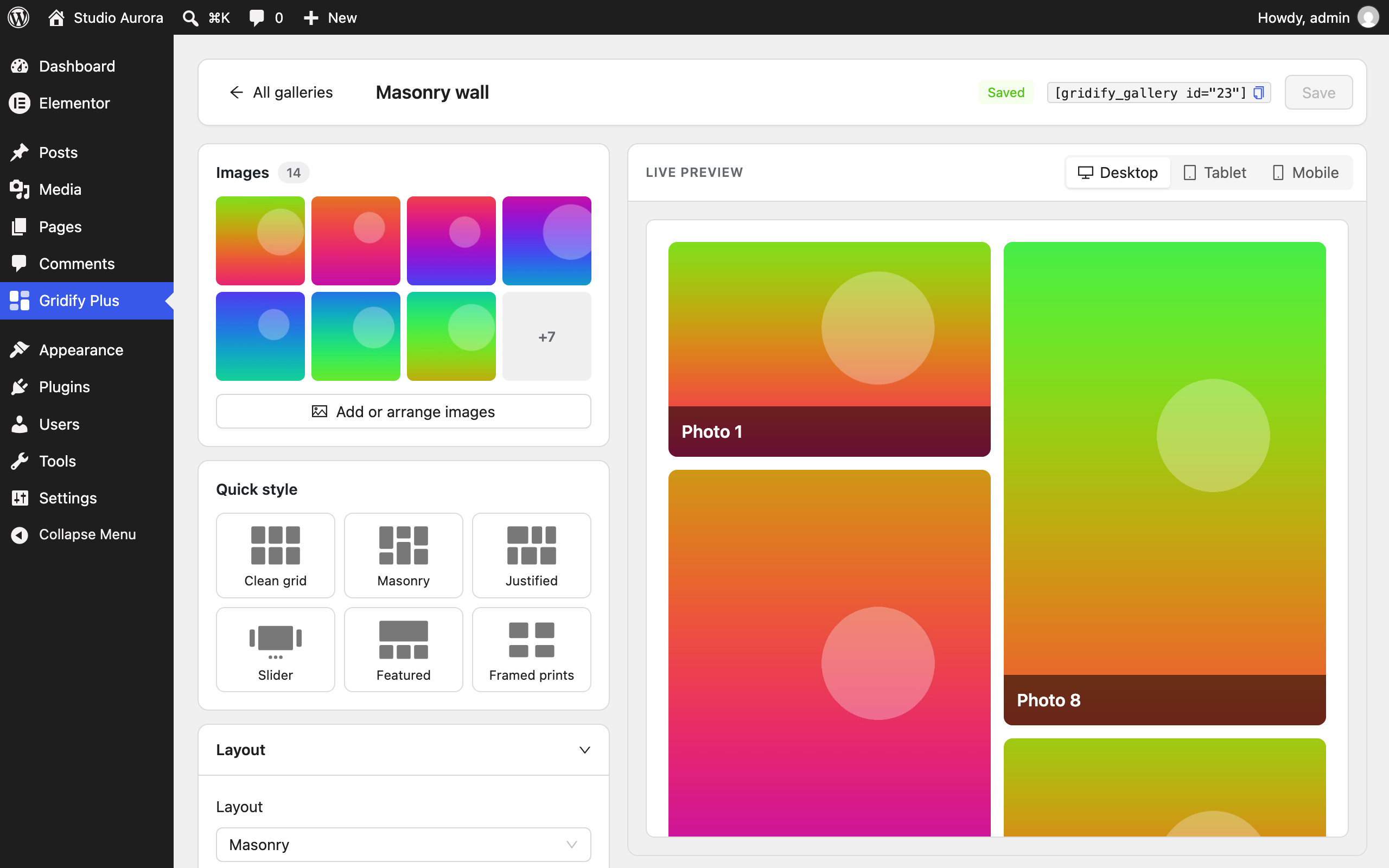
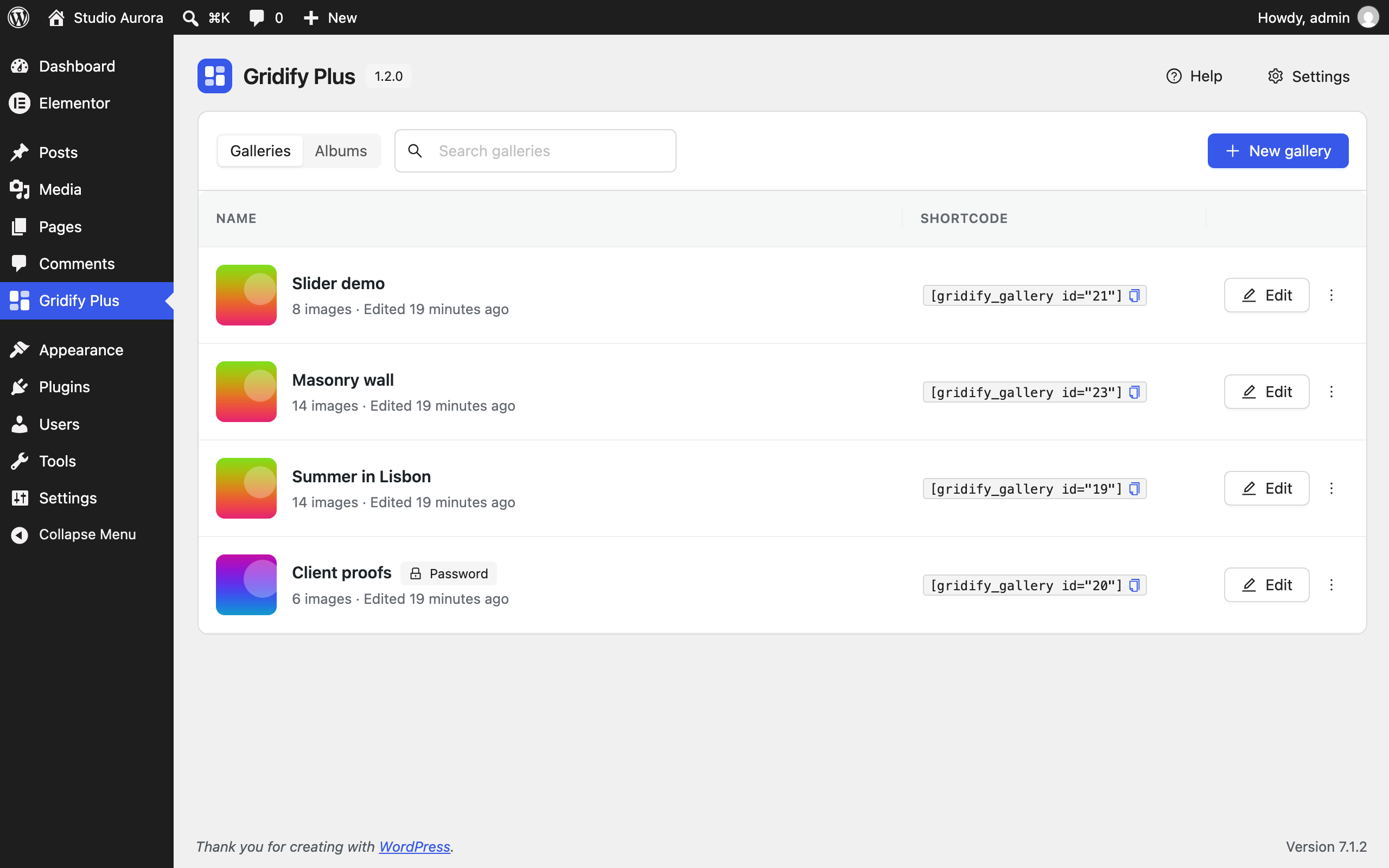
Galleries are built on their own screen in the dashboard, with a live preview for desktop, tablet and mobile. Elementor is not required for galleries and albums.
What you can build
- A photo gallery or portfolio gallery in a grid, masonry, justified or slider layout.
- A video gallery that plays YouTube, Vimeo, MP4 and WebM in the lightbox.
- A filterable gallery that visitors narrow down by tag.
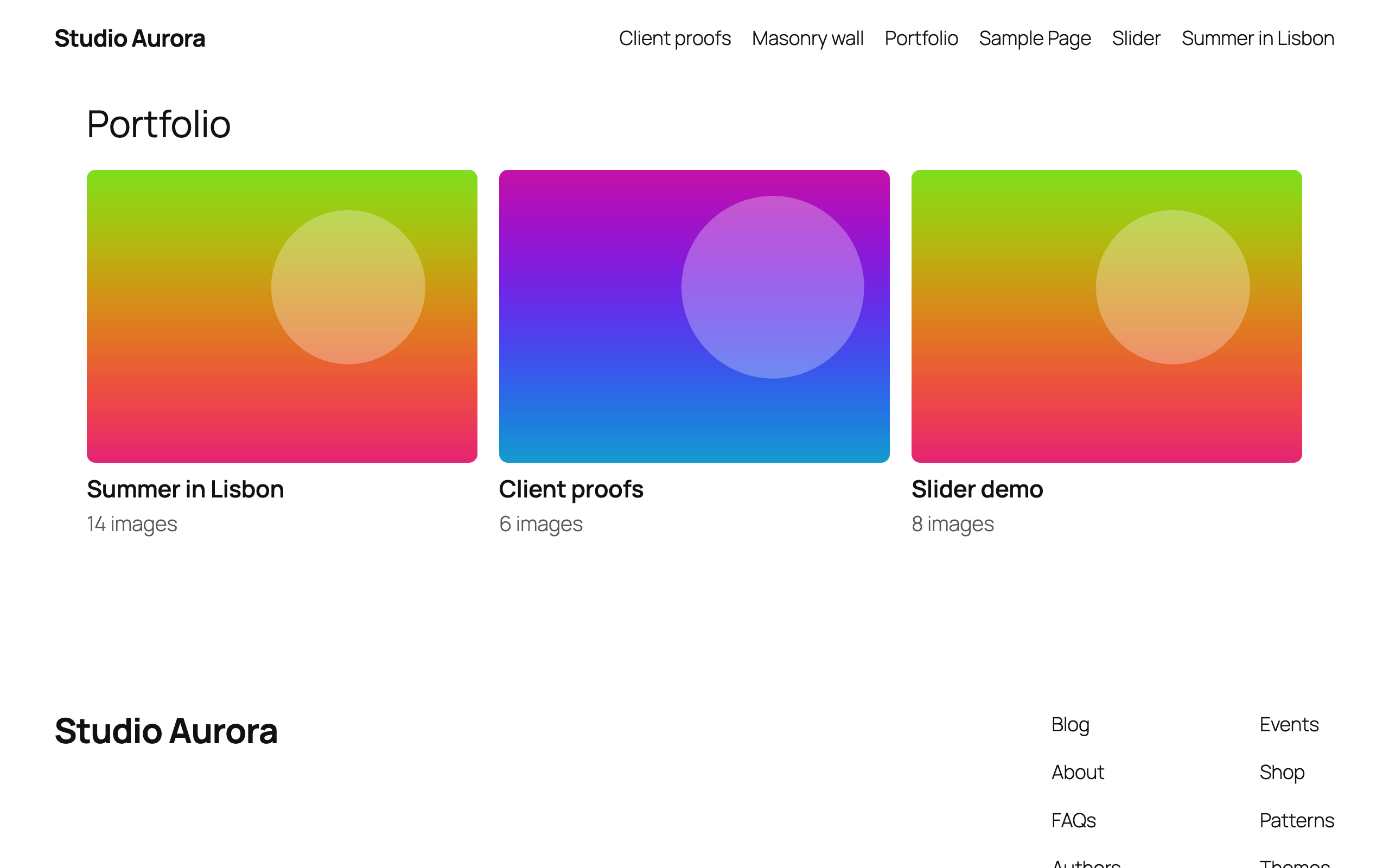
- A photo album page, where each cover opens a gallery.
- A client proofing gallery with a password and a watermark.
- A blog post grid with categories, excerpts and „Load more“.
- A WooCommerce product grid or product slider with price, rating and add to cart.
Image gallery and photo gallery features
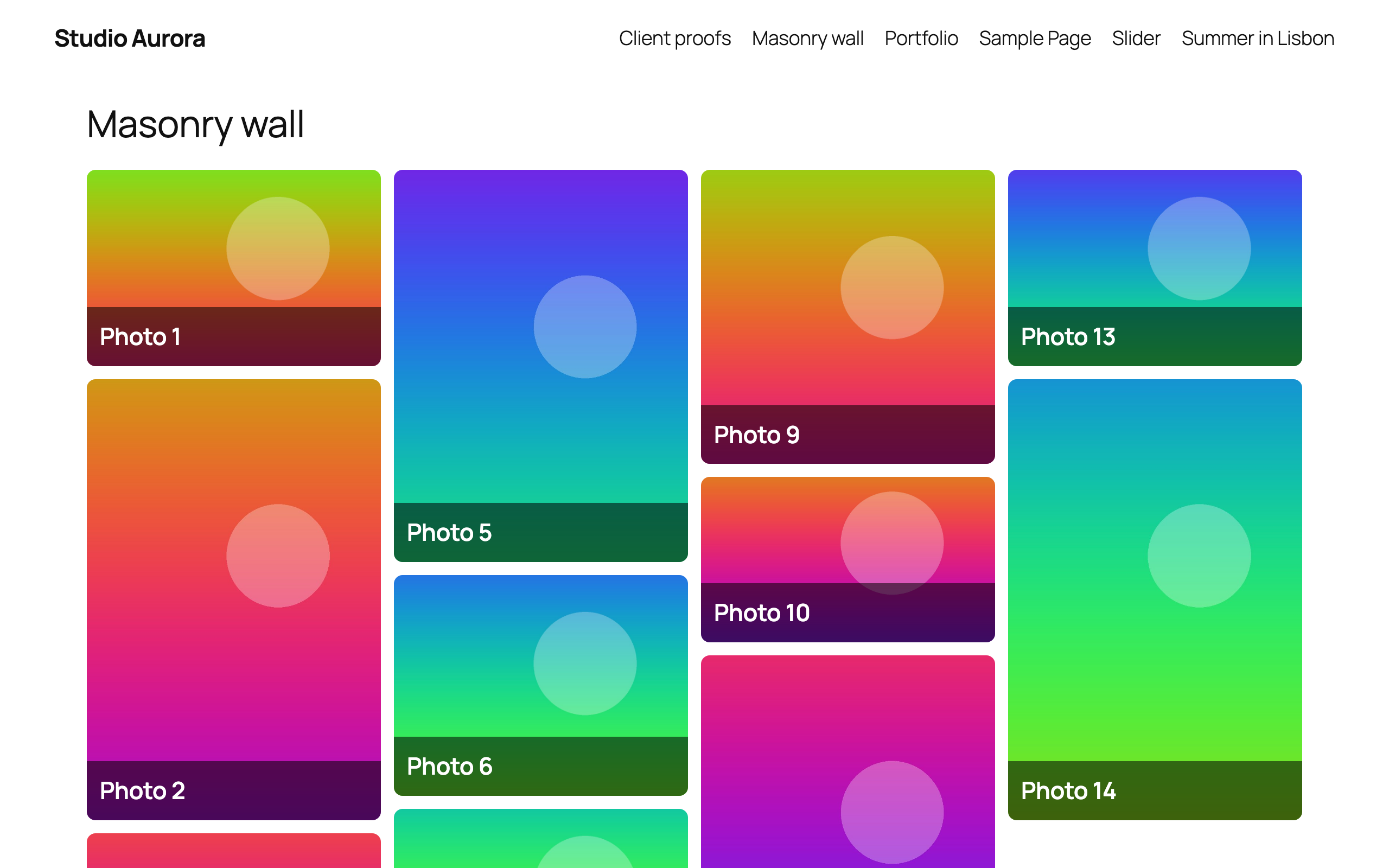
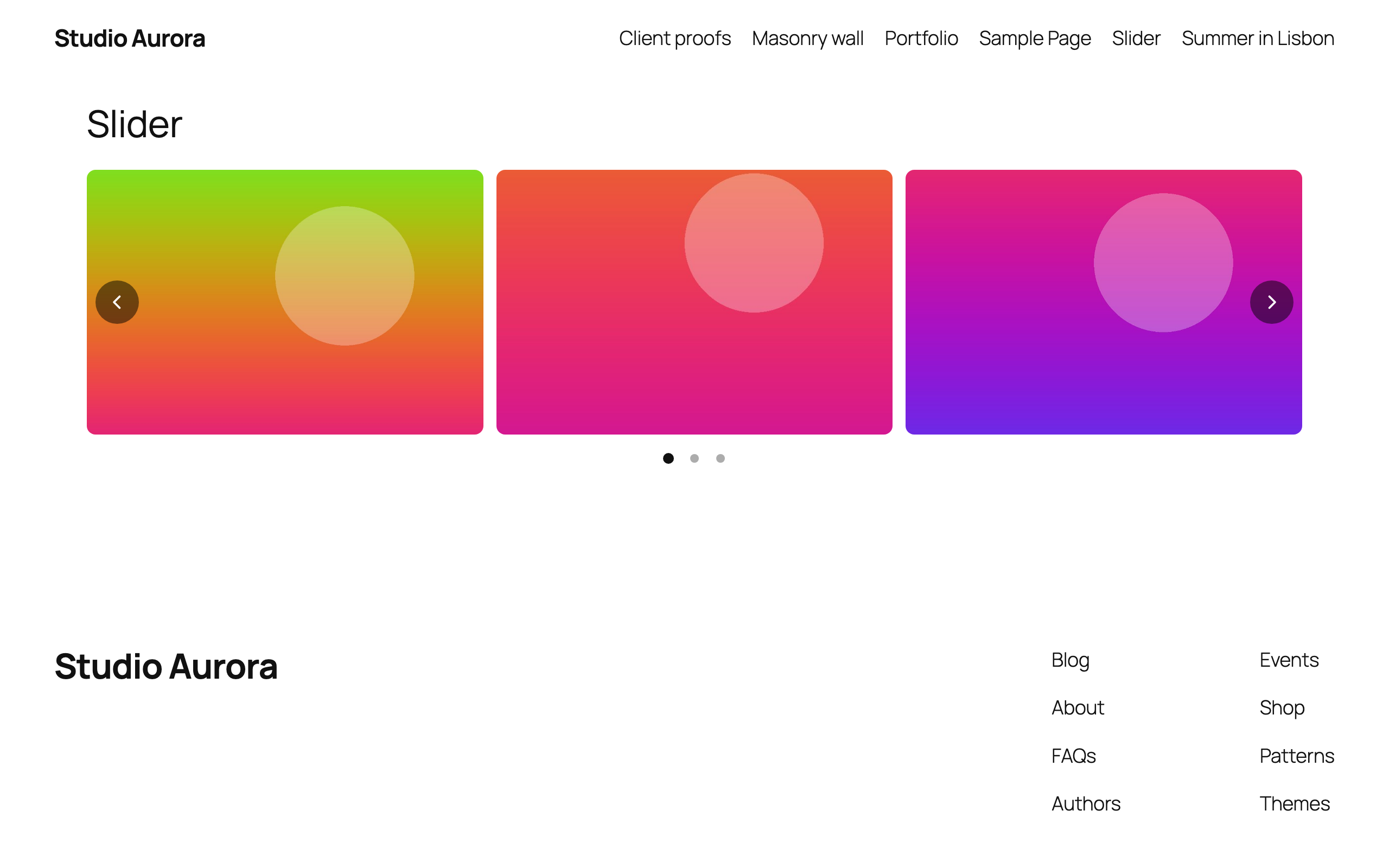
- Four gallery layouts: Grid, Masonry, Justified rows and Slider (carousel). Six one-click styles give you a starting point.
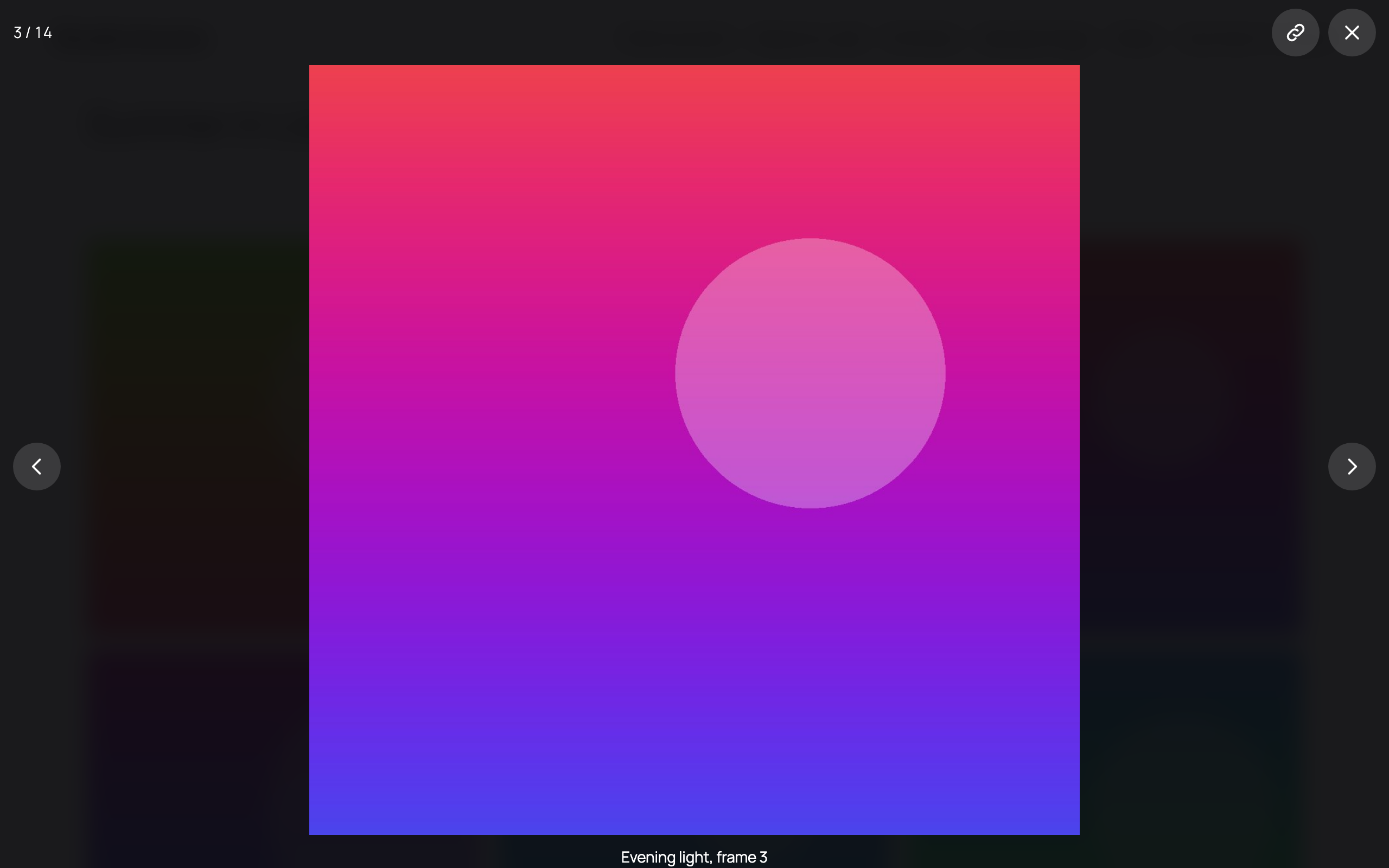
- Responsive lightbox: keyboard and swipe navigation, captions, thumbnails, a slideshow, a counter, a shareable link to each image, and optional share buttons.
- Video gallery: add a YouTube, Vimeo or video-file link to an image and it plays in the lightbox. Nothing is loaded from YouTube or Vimeo until a visitor opens the video.
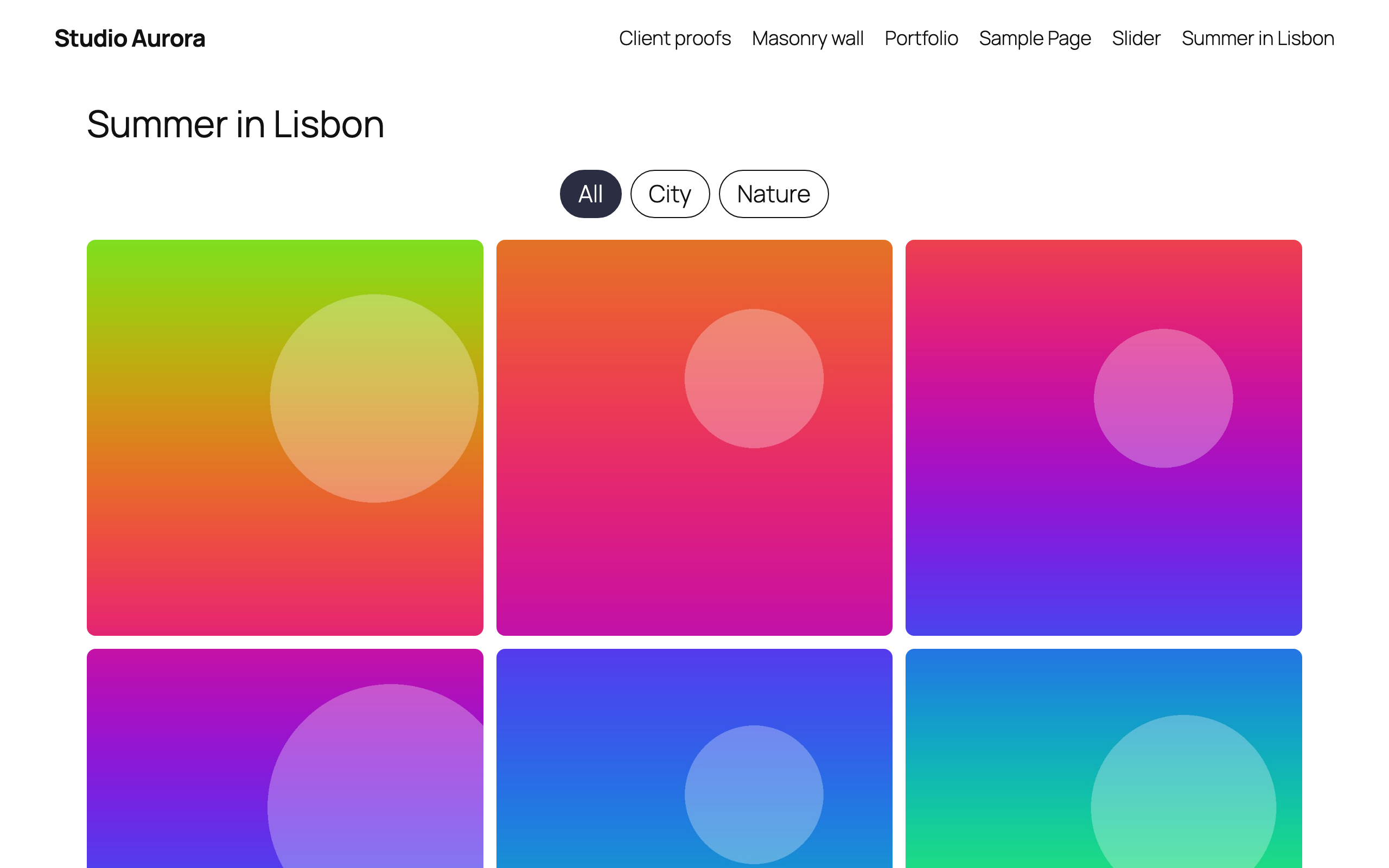
- Filterable gallery: group images with Gallery tags and show a filter bar above the gallery.
- Albums: show several galleries as covers. Choosing a cover opens that gallery in place.
- Load more: a button, or „load as you scroll“, for large galleries.
- Password-protected galleries for clients and private events.
- Text watermark on gallery images. Your original files are never changed.
- Captions and hover effects, with a separate column count for desktop, tablet and mobile.
- Lazy loading and responsive image sizes, so a large gallery does not slow the page down.
Three ways to add a gallery
- Block: add the Gridify Plus Gallery block in the block editor (Gutenberg).
- Shortcode:
[gridify_gallery id="123"]for a gallery,[gridify_album id="123"]for an album. Shortcodes work in any theme and any page builder. - Elementor: use the Saved Gallery widget, or build a gallery in the panel with the Image Gallery widget.
Elementor widgets
- Image Gallery: every gallery feature above, set up in the Elementor panel.
- Saved Gallery: place a gallery you built on the Gridify Plus screen.
- Post Grid: blog posts by category and order, with optional date, excerpt, author and category.
- Product Grid (needs WooCommerce): featured, on-sale, best-selling, top-rated or recent products, or hand-picked categories and tags. Cards can show price, rating, sale badge, add to cart, and a second image on hover.
Post Grid and Product Grid offer Grid, Masonry and Slider layouts, a category filter bar, hover effects, and three kinds of pagination: page numbers, an AJAX Load more button, or infinite scroll.
Who it is for
- Photographers who need portfolio, wedding and client proofing galleries.
- Designers, artists and agencies who show their work in a portfolio.
- Bloggers and publishers who want a post grid on a home page or archive.
- Shop owners who want a WooCommerce product grid or product slider on any Elementor page.
Fast, accessible and private
- Lightweight: plain CSS and small scripts, with no jQuery on the front end. Files load only on pages that use them.
- Accessible: visible keyboard focus, screen-reader labels and announcements, and reduced-motion support.
- RTL ready: right-to-left layouts throughout.
- Translation ready: every text can be translated.
- Works without JavaScript: galleries, albums and sliders stay usable.
- Private: no tracking and no third-party scripts. YouTube and Vimeo are contacted only when a visitor opens a video.
- WooCommerce HPOS: declares compatibility with High-Performance Order Storage.
Requirements
- Galleries, albums, the shortcodes and the block work on any WordPress site, with any theme.
- The widgets need Elementor. The free version is enough.
- Product Grid also needs WooCommerce.
- Watermarks need the GD image library with FreeType, which most hosts provide.
Skjámyndir
Blocks
This plugin provides 1 block.
- Gridify Plus Gallery
Uppsetning
How to create a gallery in WordPress with Gridify Plus
- Go to Plugins Add New, search for Gridify Plus, then install and activate it.
- Open Gridify Plus in the dashboard menu and choose New gallery.
- Add images from the Media Library and pick a layout: Grid, Masonry, Justified or Slider.
- Press Save.
- Add the Gridify Plus Gallery block to a page, or paste the shortcode shown beside the gallery.
To install by hand, upload the gridify-plus folder to wp-content/plugins/ and activate the plugin on the Plugins screen.
Using Elementor
Edit a page with Elementor and find Image Gallery, Saved Gallery, Post Grid and Product Grid under the Gridify Plus category.
SOS
-
What is Gridify Plus?
-
Gridify Plus is a free WordPress plugin for image galleries, photo albums, post grids and WooCommerce product grids. Galleries can be placed with a block, a shortcode or an Elementor widget.
-
Is Gridify Plus free?
-
Yes. Gridify Plus is free and open source, released under the GPL.
-
Do I need Elementor?
-
No. Galleries, albums, the shortcodes and the block work without Elementor. Elementor (the free version) is only needed for the Image Gallery, Saved Gallery, Post Grid and Product Grid widgets.
-
Does it work with the block editor (Gutenberg)?
-
Yes. Add the Gridify Plus Gallery block and choose one of your galleries.
-
Is WooCommerce required?
-
Only for the Product Grid widget.
-
How do I add a gallery to a page or post?
-
Create the gallery under Gridify Plus New gallery, then add the Gridify Plus Gallery block, paste the shortcode
[gridify_gallery id="123"], or use the Saved Gallery widget in Elementor. -
Which gallery layouts are included?
-
Four: Grid, Masonry, Justified rows and Slider. Post Grid and Product Grid offer Grid, Masonry and Slider.
-
Can I create a masonry gallery?
-
Yes. Choose the Masonry layout. Images keep their own proportions and are arranged in columns, and you set the number of columns for desktop, tablet and mobile.
-
Does the gallery have a lightbox?
-
Yes. Images open in a full-screen lightbox with keyboard and swipe navigation, captions, thumbnails, a slideshow and a link to each image. No other lightbox plugin is needed.
-
How do I add a video to a gallery?
-
Open the image in the Media Library and paste a YouTube, Vimeo, MP4 or WebM address into Gallery video link. The image becomes the cover and the video plays in the lightbox.
-
How do I make a filterable gallery?
-
Give your images Gallery tags in the Media Library, then turn on Let visitors filter in the gallery. Post Grid and Product Grid filter by category.
-
How do I create a photo album?
-
Open Albums on the Gridify Plus screen, choose New album and pick the galleries it contains. Place it with
[gridify_album id="123"]. Visitors see one cover for each gallery, and choosing a cover opens that gallery on the same page. -
Can I password protect a gallery?
-
Yes. Set a password on the gallery and visitors see a password form in place of the images, captions and lightbox. The image files stay in your uploads folder, so anyone who already has a file’s direct address can still open it.
-
Can I add a watermark to gallery images?
-
Yes. Type your Watermark text in the gallery settings and it is written on every image in that gallery. It works with JPEG, PNG and WebP images.
-
Do watermarks change my original images?
-
No. Watermarked copies are created in a separate folder inside uploads, and your originals are never modified.
-
Is the gallery responsive and mobile friendly?
-
Yes. Every layout adapts to the screen, with a separate column count for desktop, tablet and mobile. The lightbox and the slider support swipe on touch screens.
-
Will it slow down my site?
-
Gridify Plus uses plain CSS and small scripts, with no jQuery on the front end. Its files load only on pages that show a gallery or grid, and images are lazy loaded.
-
How does „Load more“ work?
-
In galleries, the next images are already on the page and are shown (and downloaded) on request. In Post Grid and Product Grid, more items are fetched with AJAX using the widget’s own settings, which are validated against a whitelist on the server.
-
Does it work with my theme?
-
Yes. Galleries work with any WordPress theme, classic or block. The widgets work wherever Elementor works.
-
Does it support right-to-left languages?
-
Yes. All layouts, the lightbox and the slider work in right-to-left languages such as Arabic and Hebrew.
-
Does it support WooCommerce HPOS?
-
Yes. The plugin declares compatibility with High-Performance Order Storage.
-
What happens to my galleries if I delete the plugin?
-
They are kept, so nothing is lost if you reinstall. To remove everything, turn on Delete all data when the plugin is deleted under Gridify Plus Settings first.
Umsagnir
There are no reviews for this plugin.
Þátttakendur & höfundar
“Gridify Plus – Photo Gallery, Image Gallery, Post Grid & Product Grid” er opinn hugbúnaður. Eftirfarandi aðilar hafa lagt sitt af mörkum við smíði þessarar viðbótar.
Höfundar
Interested in development?
Browse the code, check out the SVN repository, or subscribe to the development log by RSS.
Breytingarsaga
1.2.0
- New: Image Gallery widget for Elementor, with Grid, Masonry, Justified rows and Slider layouts and six one-click styles.
- New: Saved galleries that work without Elementor. Build them on the new Gridify Plus admin screen with a live preview, then place them with the
[gridify_gallery]shortcode, the Gridify Plus Gallery block, or the Saved Gallery widget. - New: Albums. Show several galleries as covers with
[gridify_album]; choosing a cover opens that gallery in place. - New: Lightbox with keyboard and swipe navigation, captions, thumbnails, slideshow, a link to each image, and optional share buttons.
- New: Filter bar. Group images with Gallery tags in the Media Library; posts and products are grouped by category.
- New: Hover effects, captions, „Load more“ and „Load as you scroll“ for galleries.
- New: Video items. Add a YouTube, Vimeo or video-file link to an image to play it in the lightbox.
- New: Password protection and text watermark for saved galleries.
- Post Grid and Product Grid: new Masonry and Slider layouts, hover effects, a category filter bar, and „Load as you scroll“.
- Elementor is now optional. Without it, saved galleries, the shortcodes and the block still work.
- Accessibility: visible keyboard focus, reduced-motion support, and right-to-left layouts throughout.
- Fix: Post Grid „Order by: ID“ now keeps its order on „Load more“ pages instead of falling back to date order.
- Compatibility: tested with Elementor 4.3.
- Fix: a failed „Load more“ request now says so on the button and can be tried again.
- Fix: the category shown on a post or product card no longer changes from one page load to the next.
- Existing Post Grid and Product Grid widgets keep their current look and settings.
1.1.1
- Compatibility: tested with WordPress 7.1.
- Compatibility: tested with Elementor 4.1 and Elementor Pro 4.1 (widget registration uses the modern
elementor/widgets/registerAPI, with the legacy fallback kept for older installs). - Compatibility: tested with WooCommerce 10.8; HPOS (High-Performance Order Storage) compatibility re-declared.
- Headers: added
Tested up to,Requires Plugins,Elementor tested up to,Elementor Pro tested up to, andWC requires at least/WC tested up toto the main plugin file so WordPress, Elementor, and WooCommerce read the support matrix directly. - No functional or markup changes — safe drop-in update.
1.1.0
- AJAX load-more pagination option alongside numbered pagination or none (posts and products).
- WooCommerce cards: optional ratings, sale badge, add to cart, gallery-on-hover, and display toggles.
- Post cards: optional date, excerpt length, sticky-post handling, and display toggles.
- Shared loop markup for PHP and AJAX responses with sanitized settings replay.
1.0.0
- Initial release.