
Lýsing
Link Shortner helps you to generate a short link and share any URL on or off of your WordPress website. Create links that look how you want using your own domain name!
Skjámyndir
Uppsetning
From the admin panel, Go to your WordPress Admin -> Plugins -> Add New. Search for Link Shortener. Install and Activate.
From directories, Upload Link Shortener to the /wp-content/plugins/ directory and activate the plugin through the ‘Plugins’ menu in WordPress
SOS
-
How to generate a short link
-
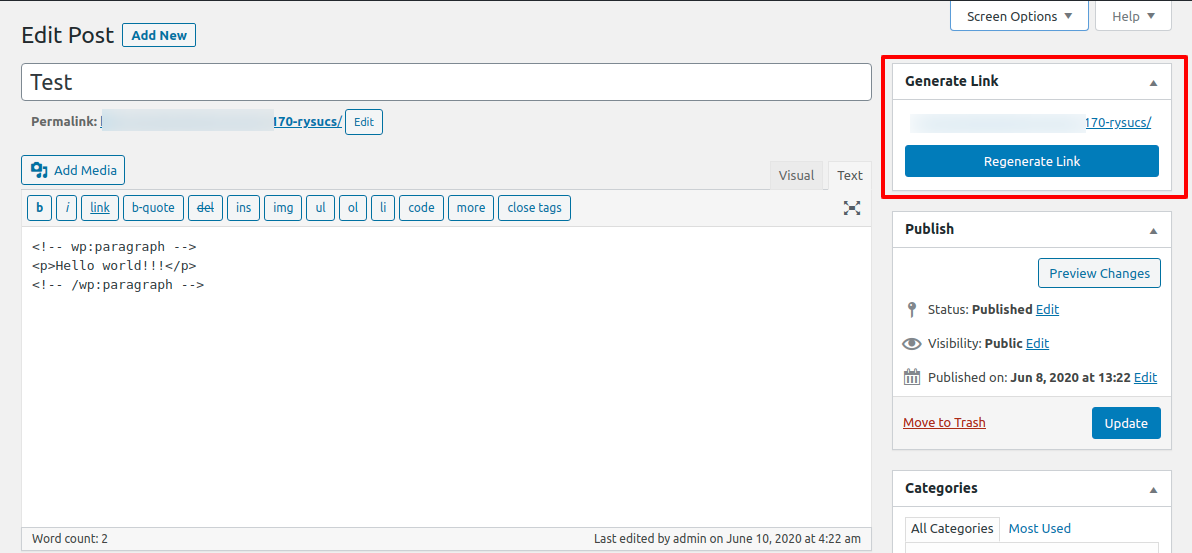
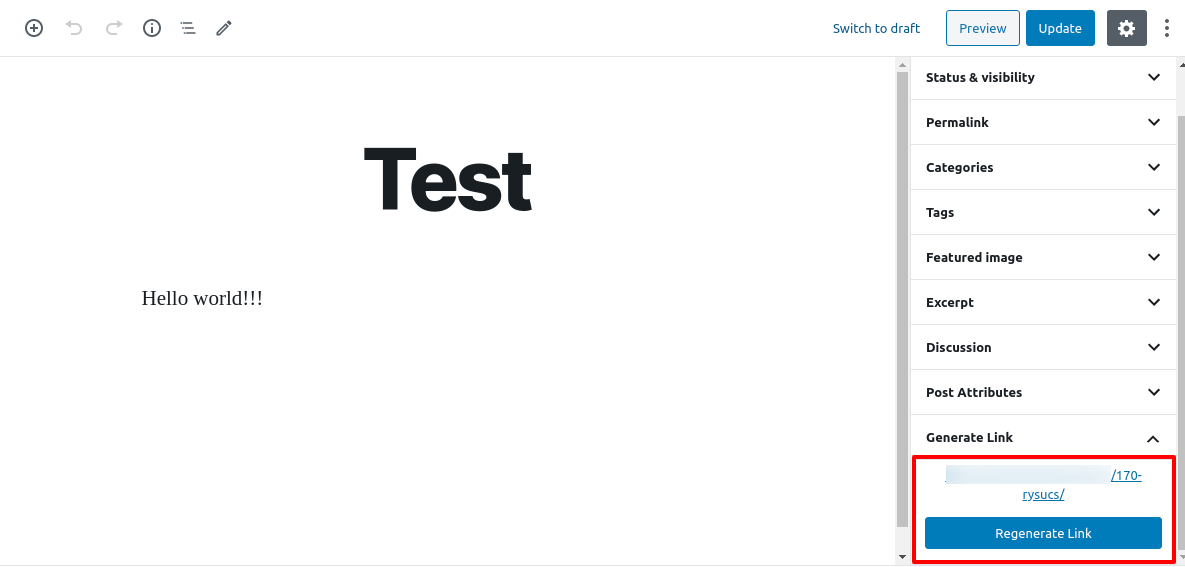
After installing Link Shortner you need to go to post section where you can see the Regenerate link button.
Umsagnir


Þátttakendur & höfundar
“Link Shortner” er opinn hugbúnaður. Eftirfarandi aðilar hafa lagt sitt af mörkum við smíði þessarar viðbótar.
Höfundar

“Link Shortner” has been translated into 2 locales. Thank you to the translators for their contributions.
Translate “Link Shortner” into your language.
Interested in development?
Browse the code, check out the SVN repository, or subscribe to the development log by RSS.
Breytingarsaga
1.0
- Initial release.